The information provided is not intended to be a substitute for professional medical advice, diagnosis or treatment. See the full disclaimer.
I am part of affiliate program(s), and may receive a small commission from purchases you make through my links, at no additional cost to you.
It’s a great way to support me, so thank you!
See the full disclosure.
Let’s pretend you asked me how to track things now that you’ve just been diagnosed with POTS.
What would the things be I would talk about?
Want the YouTube Video Version?
I would say, I had a very hard time drinking water consistently and would try on and off to log the water, each time with a new app. I’m going to tell you, it doesn’t matter what app you use. That’s like, not starting watercolor because you don’t have the right brush.
You can get started with whatever you have, and learn and grow from there.
Let’s talk about how to track water, medicines, sleep and heart rate, walking, and blood pressure. Then I’ll share with you a few other bonus apps.
Quick Note (brain fog): get yourself a dedicated note app for writing down quick thoughts before you forget them.
Water
I’ve tried the water tracking apps. Like probably all of them, including trying to set 12 timers in the alarm clock app to have water every hour. If you set too many timers, you will ignore all of them; at least that’s what happens to me.
So we need a little strategy here. There are two things I find helpful:
One– drink water before you go to the bathroom
Two– log water when you have it, and don’t ever log water you think you had a while ago. It’s better to under-log then over-log water.
I use WaterMinder. It was about $4.99 I think. I like the home screen widget. The cool thing about this widget is it will tell you when you haven’t had water in an hour or two.
It’s hard to know you need to have water when you haven’t had water consistently, so the reminder is really helpful.
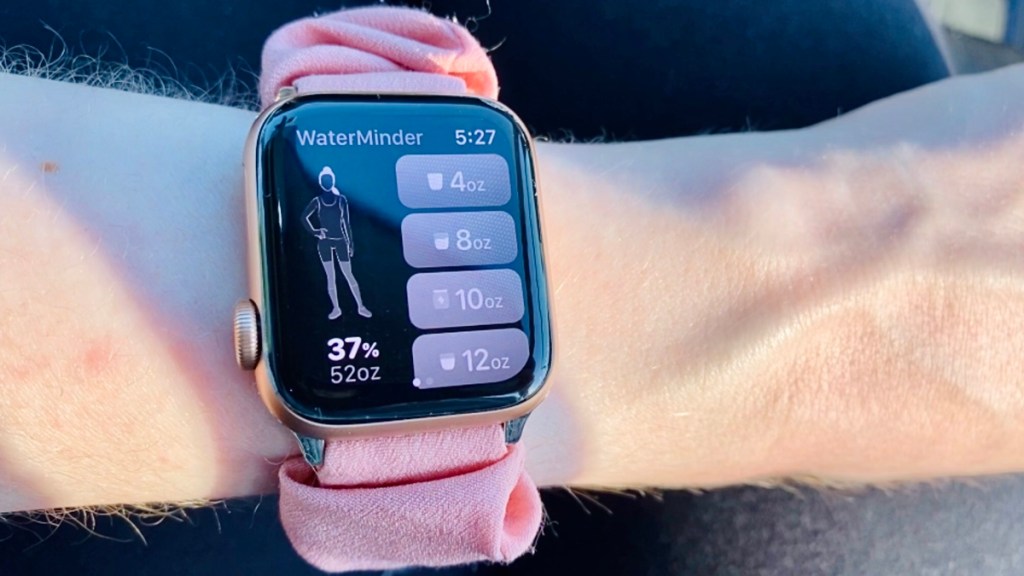
Another thing I started doing is tracking in 4, 8, and 12 oz segments.
When I drink water, I will strategically drink one of those amounts each time, so I can log it easily.
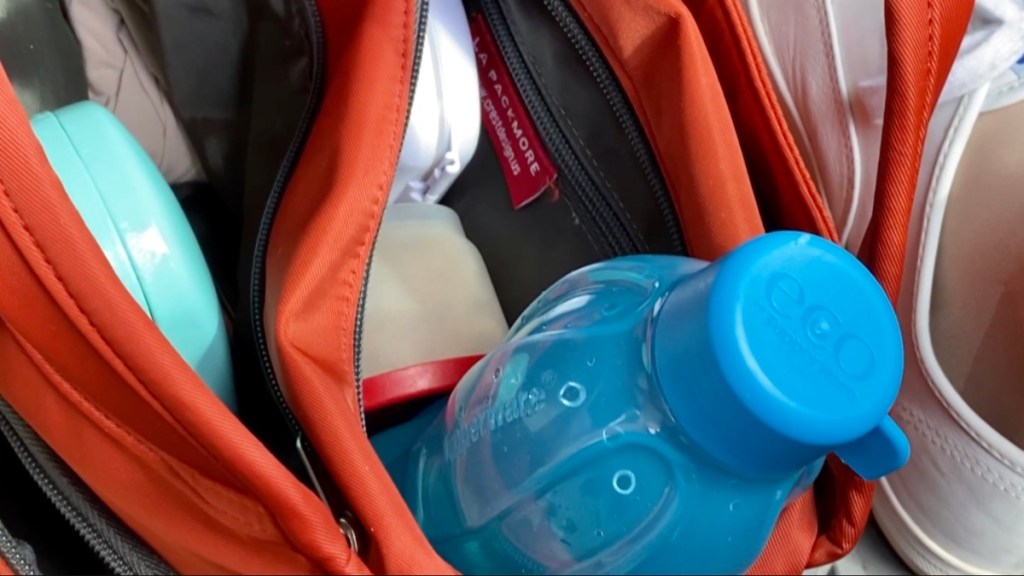
It doesn’t work for me to only use one bottle of water. I usually have 3 (of the same Tupperware eco bottle, 16 oz).
It helps to finish one off and already have another filled right there. When I go to bed I have 2-3 bottles of water next to my bed, a full bottle for the morning ready to go, and one or two for what you need now, tonight.
I’ve been using this same water bottle (like these same bottles, not new ones of the same thing) since about the same year I was diagnosed with POTS, so they’re like 11 or 12 years old at this point. And you can switch the cap colors around if you have bottles in two colors. Just saying.
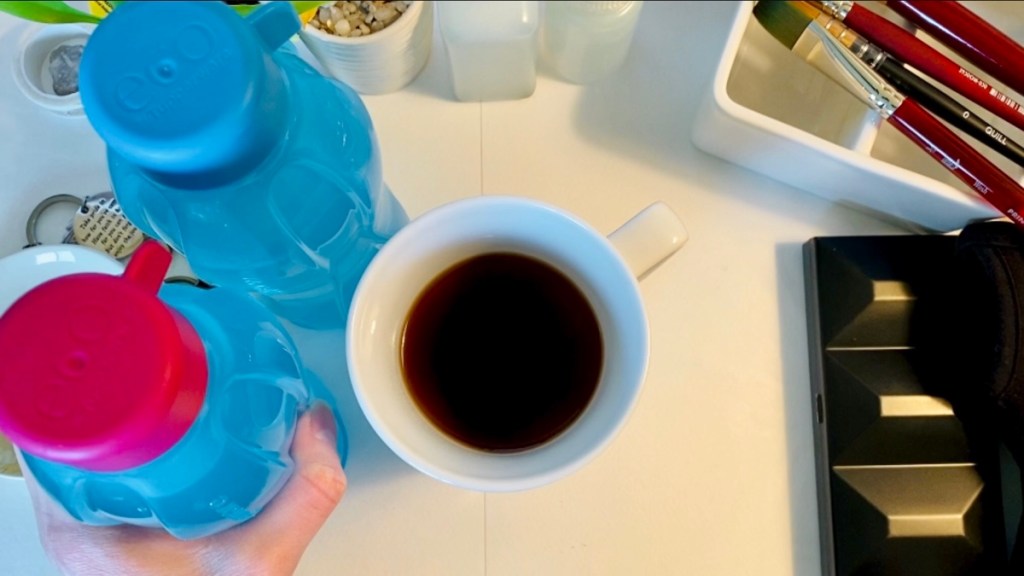
In case you’re curious, I drink between 128-176 oz of water each day, depending on whether it’s hot outside. My average is usually 140 something oz, so about 9, 16 oz bottles of water.
And one of those is usually an Oral rehydration solution (ORS for short) from Ultima. ORS stands for oral rehydration solution, you add it to your water.
I’ll put a link at the end to the ORS I get from Ultima.
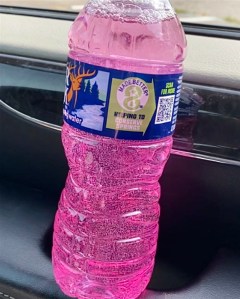
It’s amazing how much it helps, but it makes sense, if water helps the most, and ORS holds the water and helps hydrate you, no wonder it’s so helpful.
Medicines
When I get up in the morning, I message myself the time I took medicines, because I take them every 4 hours, and after I sit for 15 min, I’ll need to reset timers.
For all non-prescription medicines I use Medisafe. I worry about it messing up, and not remembering I said I had a medicine, and thinking I need to have it again, so for prescriptions I use a notes app, and the standard alarm clock on my phone.
But to be fair, I’ve been taking this one prescription for forever. It’s just the system I have built up for myself over time.
To my knowledge, medisafe has never messed up, but I’ve heard sometimes the alarms set in it don’t go off, so I would still keep a backup alarm in my clock app.
Medisafe works great for me for all the other medicines.
I set the time I want to have them roughly, and then turn off all notifications in the app.
Then I can just eat a meal, pop into the app, and see what’s next.
It’s usually some part of a vitamin, I take petites so they can be divided down with my small meals.
Sleep and Heart rate
I’ve found a smartwatch to be really helpful for tracking health stuff.
It takes my heart rate for me, and tracks sleep, both without me having to do anything about it.
It’s one of those set it and forget it things.

It just collects the data in the background, and I can use it to log water with WaterMinder if my phone’s not nearby.
I use the app AutoSleep for sleep tracking on my watch.
I’ll put links at the end to my two favorite watch bands, the scruncii like one and the athletic one with the holes in it.
Make sure you clean the back of your watch sometimes, or it’ll hurt your arm.
Walking
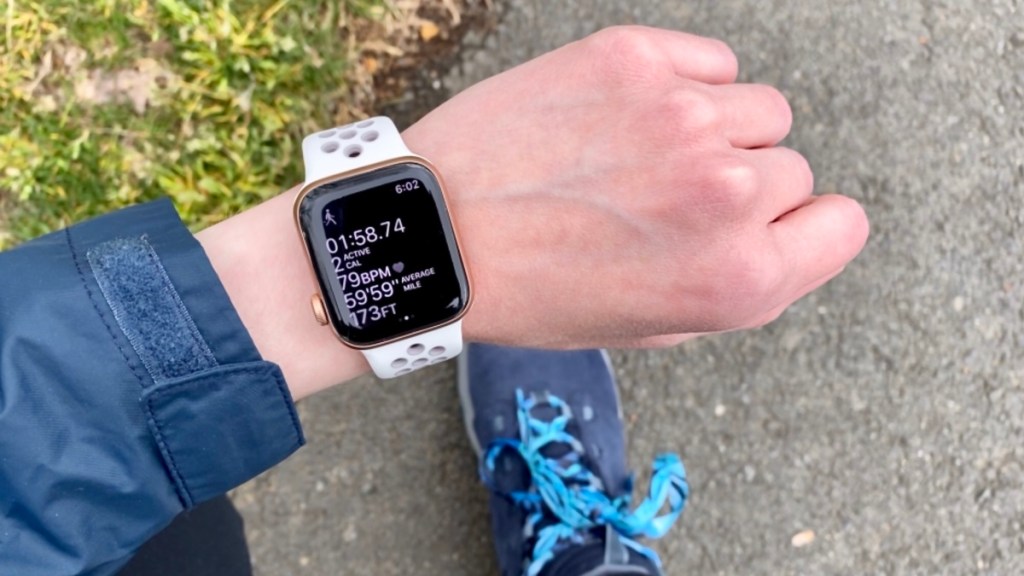
The reason I started wearing a watch again last summer was walking.
I wasn’t being active at all or ever getting out of the house, so I decided so get out to the park everyday. Then while I was there, I started walking 1/4 mi.
I could do a whole thing on walking, but here’s the basics. It starts counting up the time, taking my heart rate consistently, and keeps track of how far I’ve walked in miles. All that data goes to the health app automatically.
A watch helps you to not overexert yourself, because it will tell you your heart rate, and distance walked, so you can calculate how far you want to go.
I’d say, try to start walking 1/4 mi everyday if you can, and if you’re already being physically active somehow, don’t let that get away from you.
It’s vital to keep as much daily movement and muscle mass as you can; So try to walk a little everyday if you can.
And yeah, it’s hard, but it’s worth walking everyday, really.
Blood pressure
I did a ton of research on accurate blood pressure cuffs that sync wirelessly with my phone.
You can use Consumer Reports if you ever need any unbiased tech reviews. They tested this blood pressure cuff and found it accurate, and I find it comfortable,
and … cute?
It’s a little size, I put a sticker on it, it fits in an Ipsy makeup bag.
And I like the app that it syncs with, it works really well.
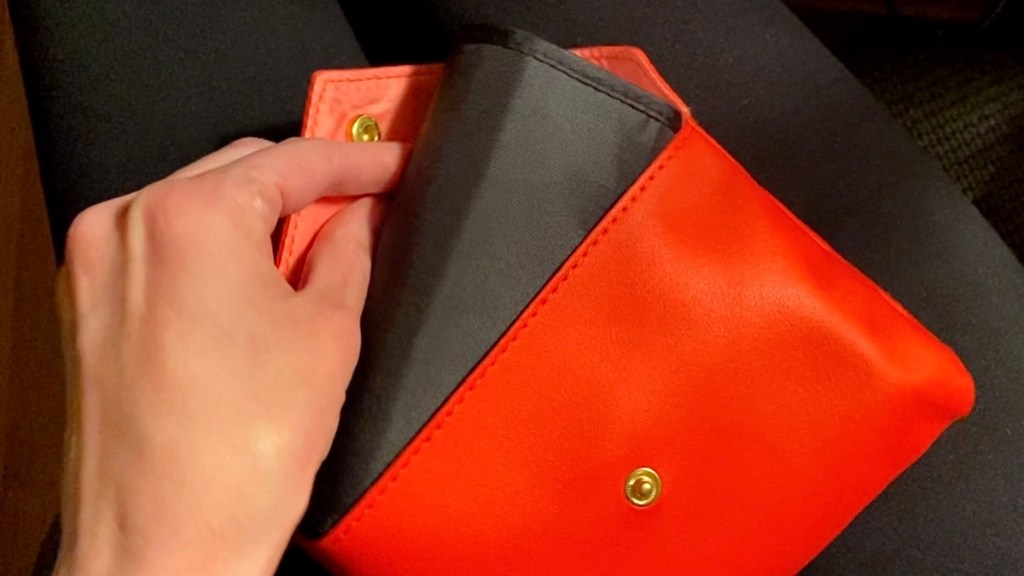
If you’re going to buy a wireless blood pressure cuff, look up the reviews for the app it syncs with in your app store, as well as product reviews.
Update: I wouldn’t buy the Qardio blood pressure cuff now…my app isn’t working, and Qardio’s support website won’t load.
Bonus apps
You don’t have to start using them all at once; I’d say pick one and give it the amount of time it takes to form a habit, say 28 days, then pick another one.
MyFitnessPal
I’ve been logging food in myfitnesspal for, 1362 days. I haven’t looked at that in a while, somehow I got to over a thousand days logged in a row.
Things aren’t as hard eventually when you do measurable steps everyday, and make small improvements that add together over time.
I eat small meals every 2 hours (which helps with the blood flow all going to my stomach to process a big meal).
I use the premium myfitnesspal. I can log each little meal in it’s own section, they let you add up to 6 meals separately, and each of those shows their own nutrients, and times.
The most significant thing to me is the times. It will keep track of the hour and minute I had each meal, which is helpful when you eat every 2 hours.
After I log food I will start a countdown timer to the next meal.
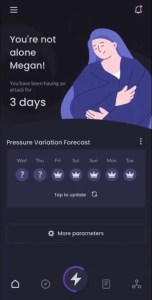
MigraineBuddy
You can customize it so you either log a that a headache happened that day,
or you can log so many details:
Whether this one is a migraine or a headache, when exactly it started,
and generally begin to make connections between what gives you a headache, so triggers, and the headache or migraine.
Lake Coloring
I also like the Lake coloring pages app for the ipad.
It’d probably be a good idea at this point to get something fun and relaxing to do, whether that’s a digital or physical coloring book,
or if you have wrist strength issues like me, you might consider getting into watercolor.
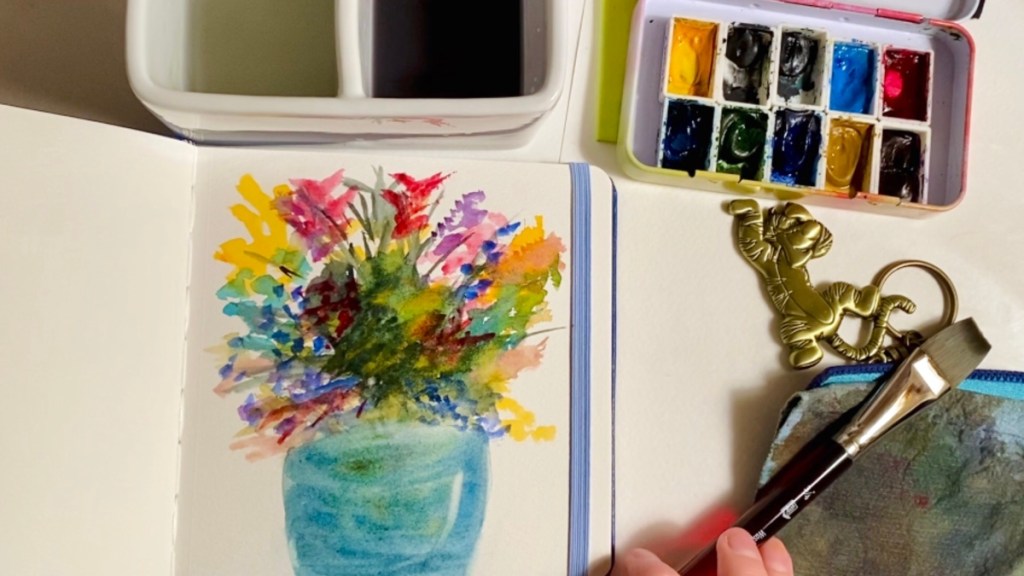
I was very surprised I can actually physically watercolor and it doesn’t make my wrists hurt.
It was one of the reasons I started my youtube channel, I couldn’t find anything on how to watercolor with wrist strength issues,
so I’ll be creating the resources I needed, in chronic health, lifestyle, and in watercolor.
I want to share my experiences and help people!
I hope you found this helpful!
You can check out these videos on watercolor, next.
Megan 🙂
Links
WaterMinder (ios, android): https://waterminder.com
Tupperware Eco Water Bottles (Tupperware has something that looks similar, but they don’t sell mine anymore)
Ultima ORS: https://amzn.to/3sA14BL (try the flavors first: https://amzn.to/3EmTDjO)
Medisafe (ios, android): https://medisafe.com/download-medisafe-app/
Whichever ecosystem you’re already in, that smartwatch will give you the most functionality (currently about $200):
Samsung Galaxy: https://amzn.to/45UUMuX
Apple Watch: https://amzn.to/47XDgYQ
The Scruncii Watch Band: https://amzn.to/3sxy1P7
The Athletic One (no longer available)
AutoSleep (ios only): https://autosleepapp.tantsissa.com/home
Teva Walking Shoes: https://amzn.to/3YYHgUI
Cute Shoe Laces: https://amzn.to/3ElXSMG
Qardio App (ios, android):
QardioArm Wireless Blood Pressure Cuff:
Fits in an Ipsy Makeup Bag https://Ipsy.com
https://ConsumerReports.org
MyFitnessPal (ios, android): https://myfitnesspal.com
MigraineBuddy (ios, android): https://migrainebuddy.com
Lake Coloring App (ios only): https://lakecoloring.com
You might like to check out my Guide to POTS video I made next.

 Megan Eileen